


Seating blocks in the room, listed top to bottom in the order they appear left to right. Most churches keep the standard three.
Share a code so others can join your church. The code decides their role; you can change it later under People.
Make a new code if one has been shared too widely. Current members keep their access.
We recommend having two owners so you're never locked out.
Easier on the eyes in dim rooms
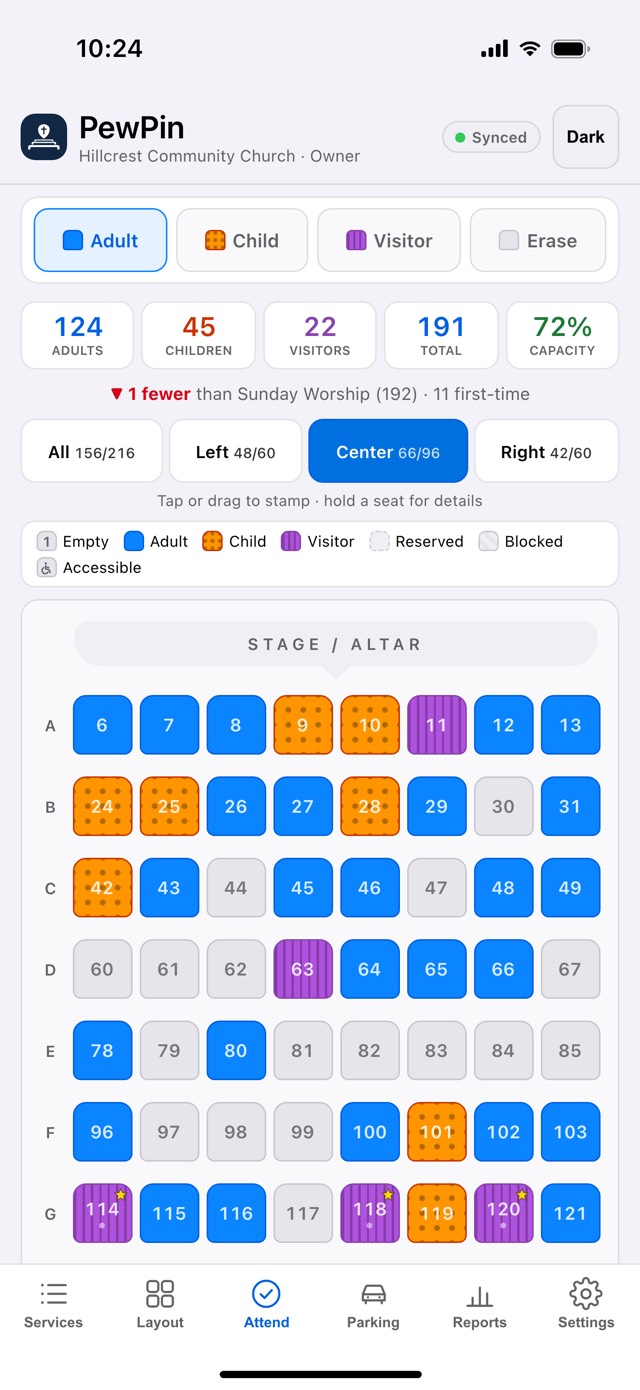
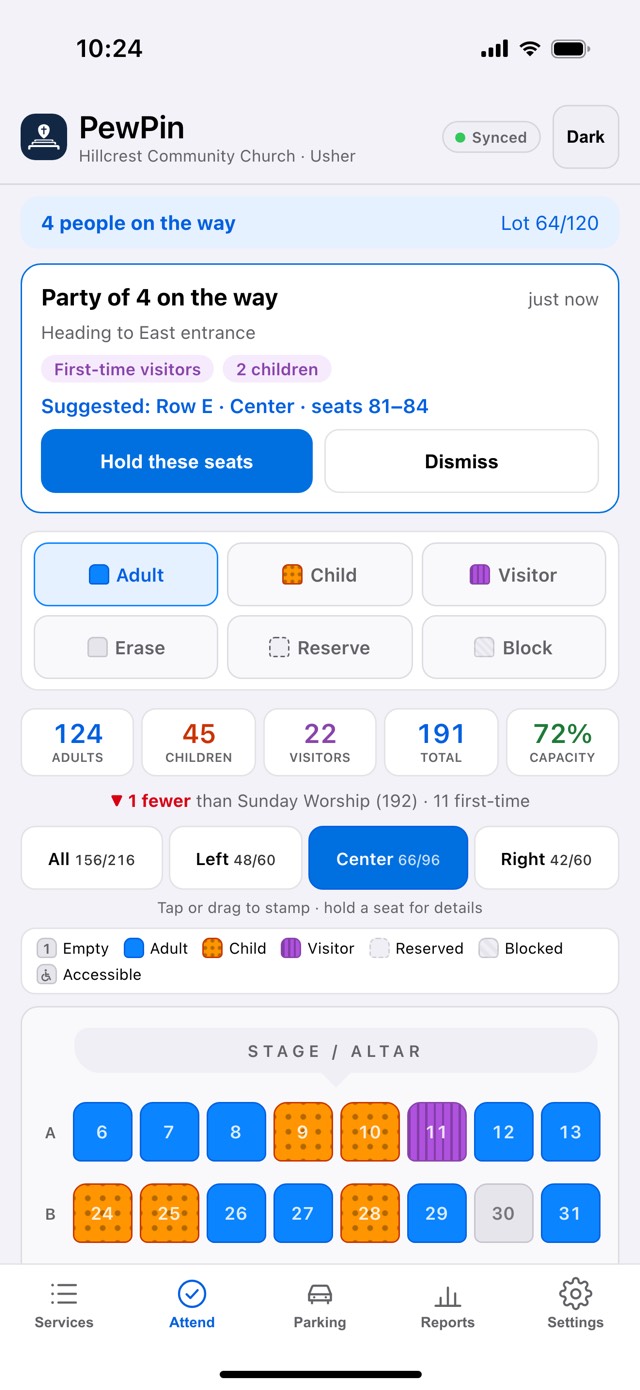
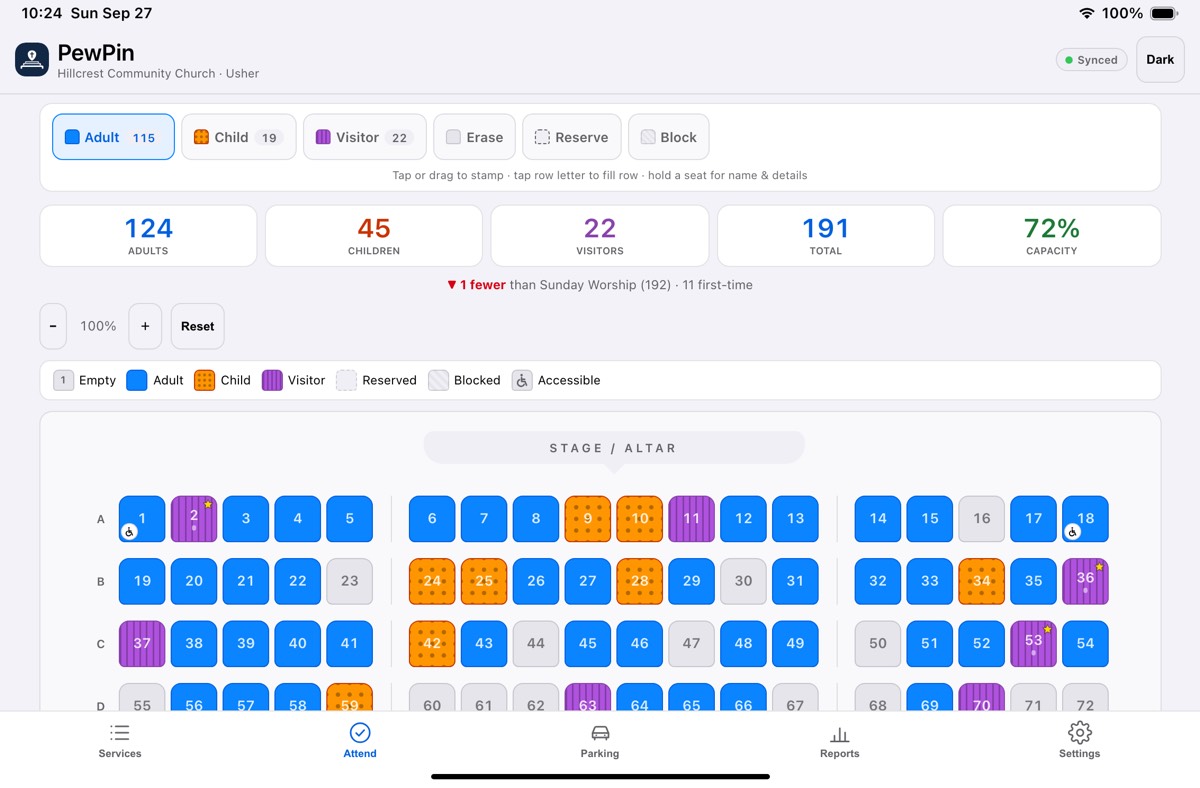
Dots on children’s seats and stripes on visitors’, so they can be told apart without colour
Prevents the screen from sleeping while you're on the Attend tab
Optional prompt after stamping a visitor seat, on this device only. Off by default.
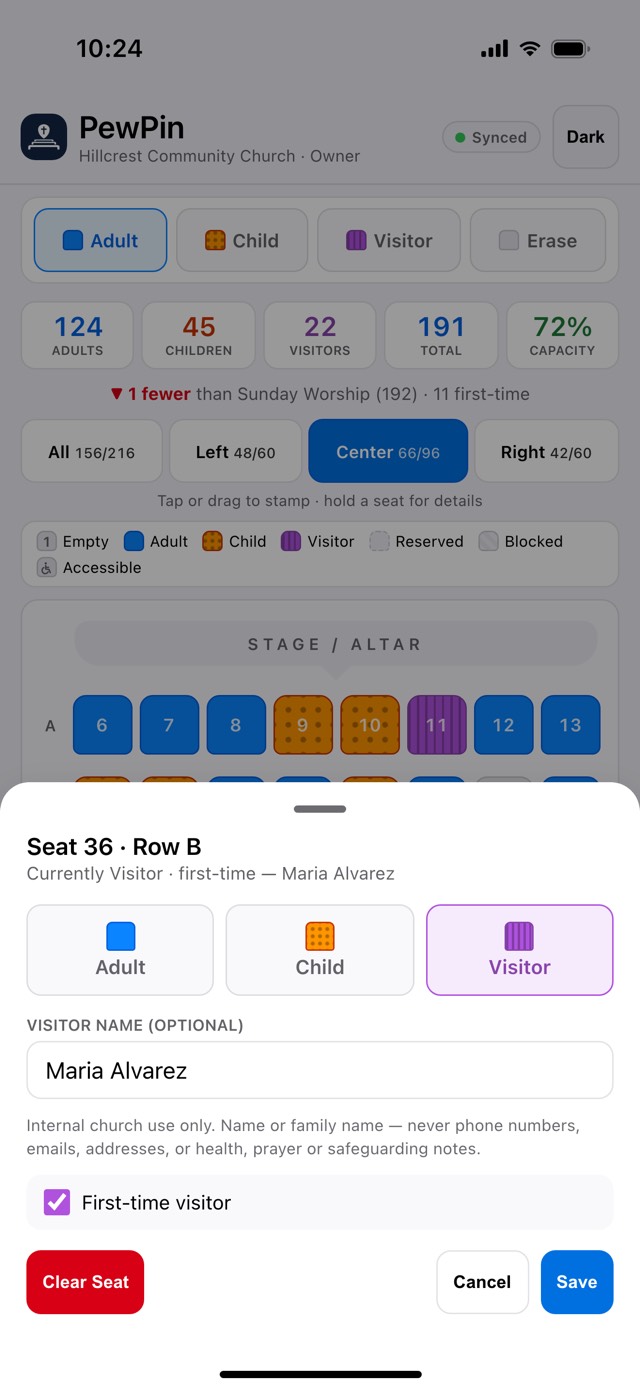
Visitor names are optional, for internal church use only, and are never shown on the seating chart — open a seat to see one. Never record phone numbers, emails, addresses, birthdays, or health, prayer or safeguarding information. Children are never named.
Visitor names come with the paid plan — Settings › Your plan. Names recorded earlier are still deleted on schedule.
Turn off to disable name entry for everyone in this church. Existing names are kept until you delete them.
Names on services older than this are removed. Attendance counts are kept.
Removes every name from every service. Counts, seats and first-time flags are kept.
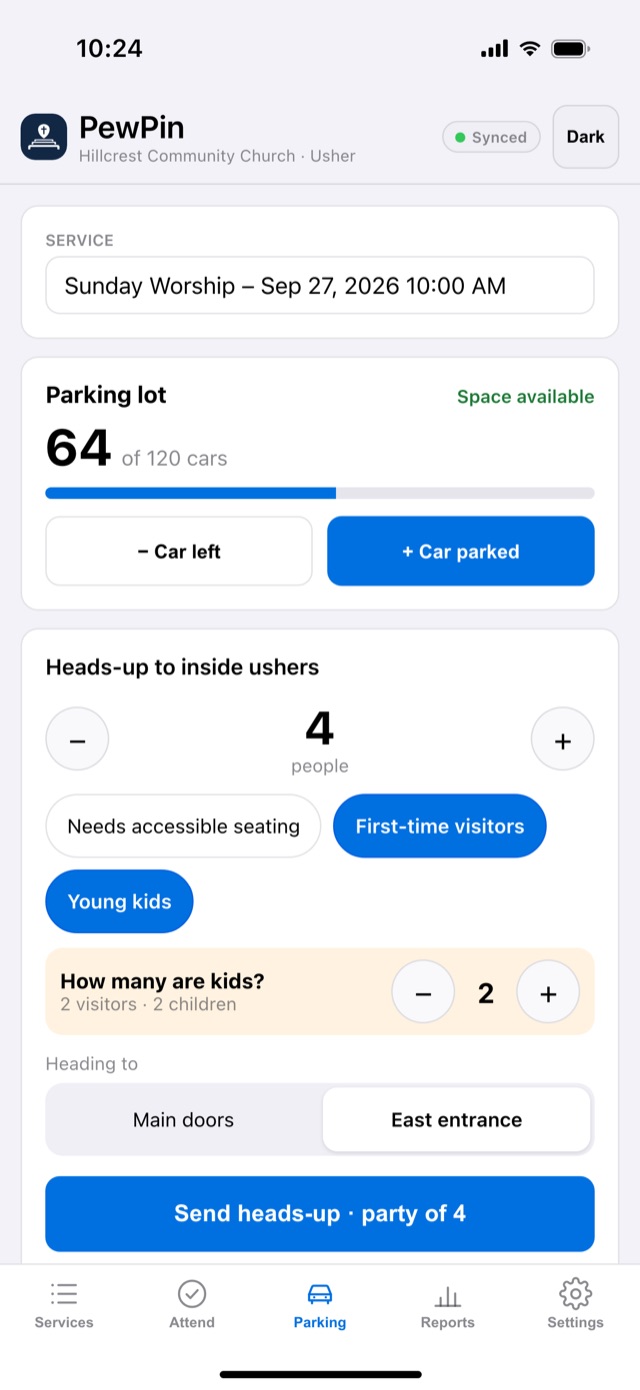
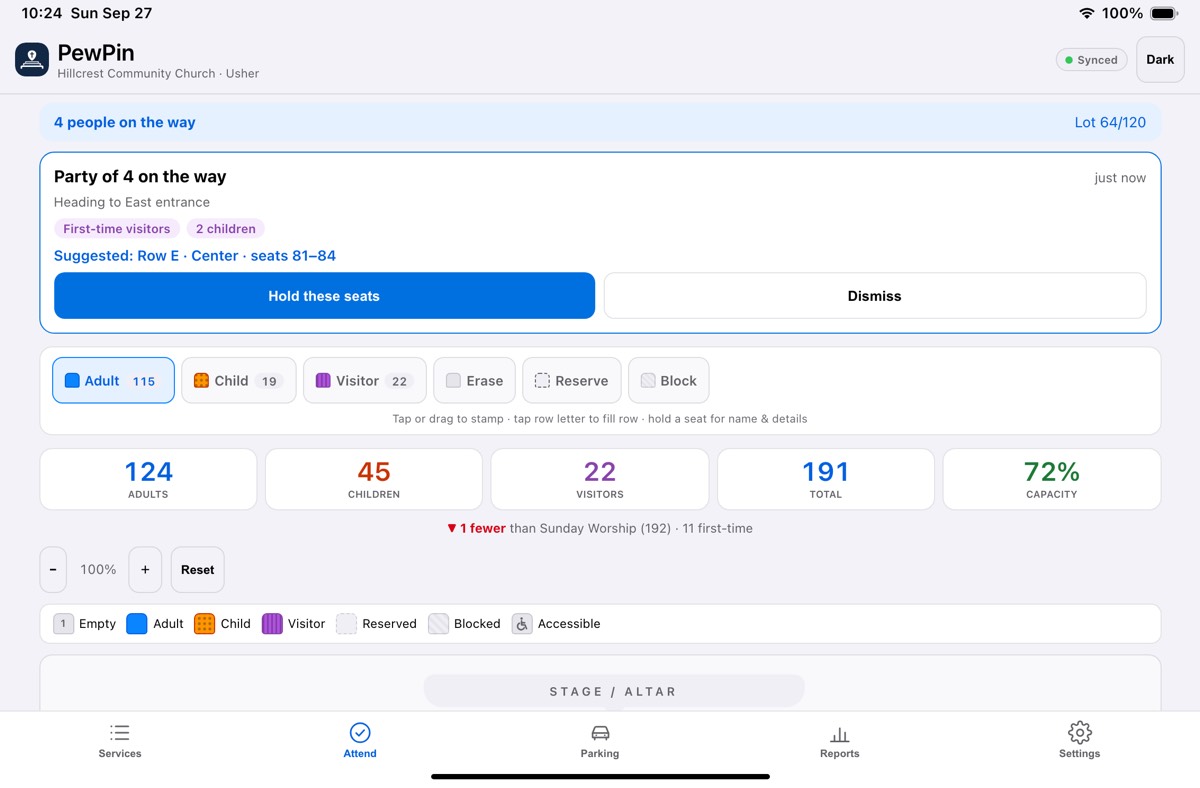
Lets an usher in the parking lot tell the ushers inside who is on the way, so a party can be seated together. Counts only — no names or license plates are recorded.
Parking heads-up comes with the paid plan — Settings › Your plan.
Adds a Parking tab for owners and ushers.
Leave at 0 to hide the car counter.
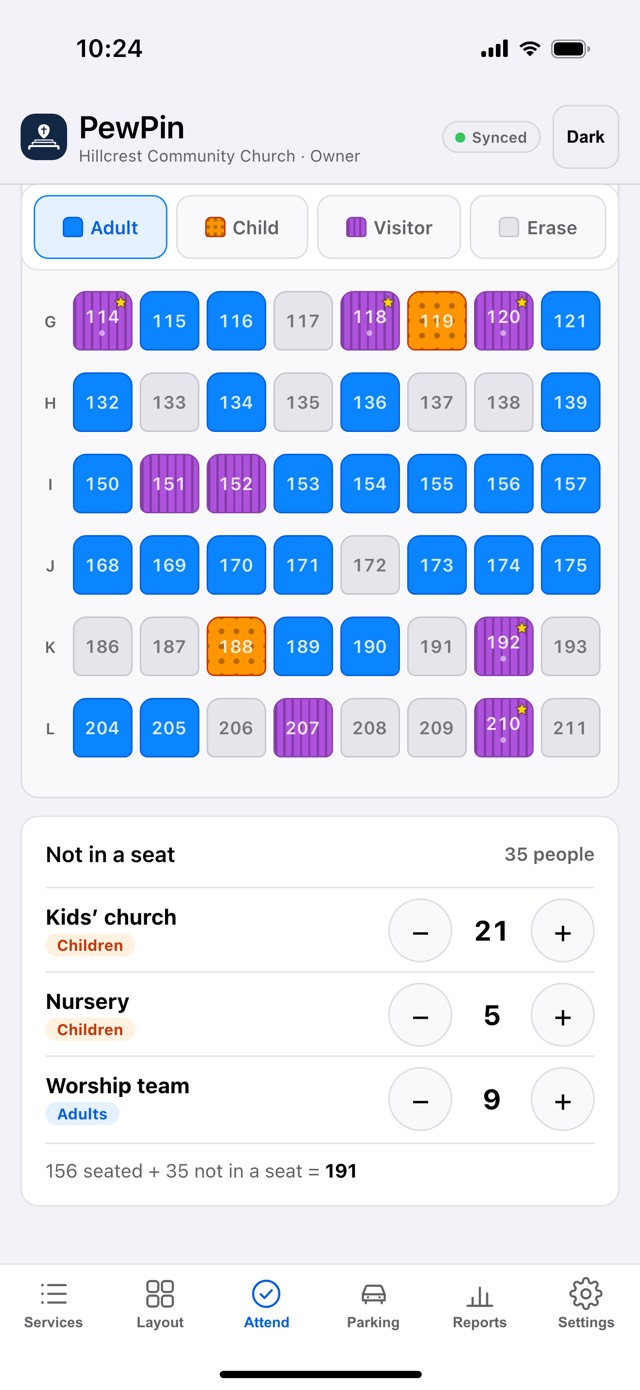
Groups your ushers count by hand — children’s church, the nursery, people standing, the band. They appear on Attend for every service and go into the totals, but not into how full the room was. Numbers only, never names.
Not configured — data stays on this device only.
To enable: paste your Firebase config into the FIREBASE_CONFIG block at the top of index.html and redeploy. Every device that opens the app then shares one live database — a seat marked on one phone appears on all the others instantly.
A restore point is saved automatically before anything big is deleted or cleared. Restoring applies to every synced device.
Download all services, layouts & attendance
Load a previously saved backup file
Current service attendance as a spreadsheet
Permanently delete everything
PewPin · updated
Tracks adults, children, and visitors seat by seat, per service. Each service keeps its own layout, and seats are numbered continuously across the room.
Every device signed in to your church shares one live database and updates in real time — a seat marked on one phone appears on all the others instantly. Use Backup regularly to keep your own copy.
Privacy Policy
— what this app records, who can see it, and how to have it removed.
Terms of Service
— what PewPin is and is not, and what each side is responsible for.